Welcome to week 3 of the Indie Development Project. Previously, I continued working around Unreal Engine 4 Blueprint by implementing several different ideas to help with developing my skills. I had made collectable coins that the player could collect during the game, a box that can be destroyed through the player’s bullets and then drop a coin and lastly, take control of another character during gameplay.
This week, I experimented with several different collision events that would be triggered once the player collided with the object and did something to the player. The idea I developed was to make a teleporter that would transport the player across to a different area in the level, a jump pad that would bounce the player upward to reach high places and another teleporter that would load the player into another level.
Firstly, I worked on implementing the teleporters that would teleport the character from one location to another in the game world.
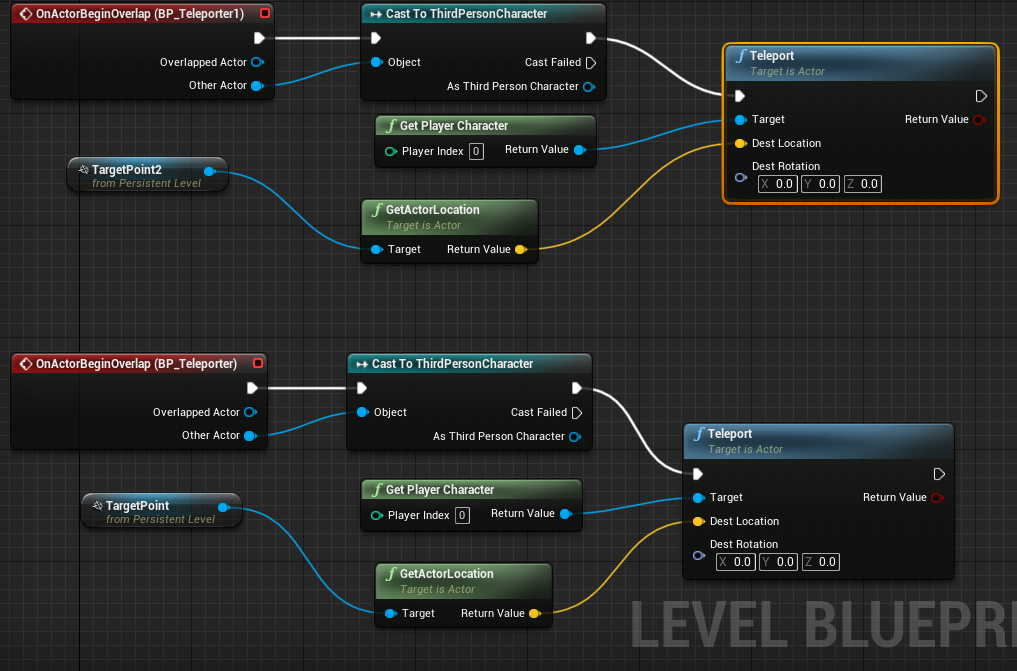
This blueprint (Figure 1) uses the level blueprint instead of an actor blueprint because this will allow referencing multiple game objects placed in the world. In the blueprint, we have two different events where their purpose is to teleport the player back and forth between their locations. When the player collides with a teleporter, the BeginOverlap is played, where the event will teleport the player by getting the current player and the location. The location it gets is from a target object placed in the game world and then referenced to the blueprint. This helps in deciding where I exactly want the player to teleport to without having to type the exact condition into “Teleport”
Below is the results of the player taking the teleporter and the arrival points that they will be teleported at.


After experimenting with this idea, I could see this mechanic being useful for my project. For example, I could use the teleporter by having a maze section in the game where the player will need to remember what teleporter they took to progress through the correct ones to reach the end.
Next is working on implementing a jump pad that would bounce the player upward to reach higher areas.
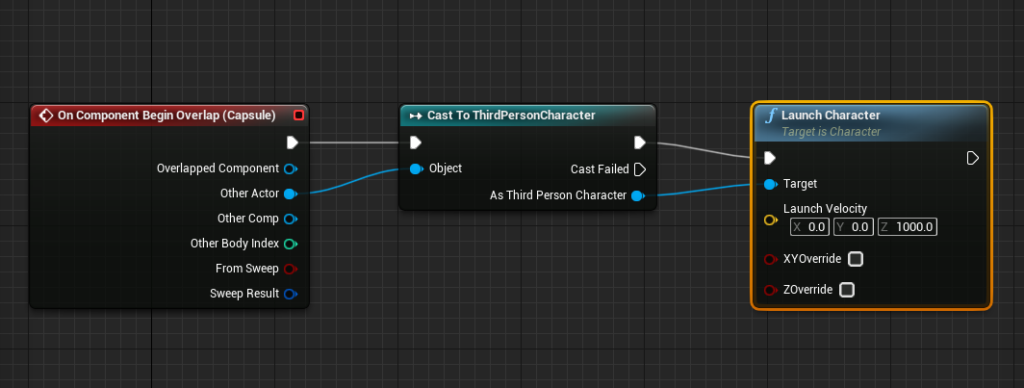
In the blueprint (Figure 4), when the player collides with the jump pad in the game world, a launch character is used that gets the player and then launches them toward the Z-axis by 1000. At first, the mechanic worked; however, one problem was that sometimes the player was not jumping up by 1000 on the Z-axis while on the pad. This was due to the game still using the character jump action height rather than the jump pad itself. I resolved this issue by enabling “ZOverride” in “Launch Character”, where this will override any Z-axis movement that the character is performing by other actions.
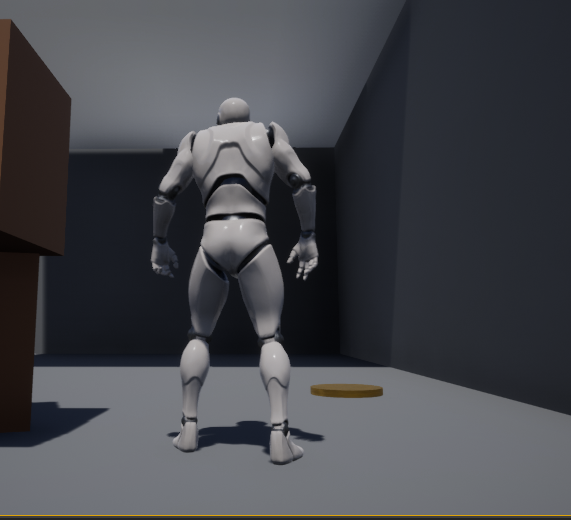
Below is the results of the player before they collide with the jump pad and land on the platform just above.

By experimenting with the “Launch Character” node, I could use the X and Y axes to create different ideas around this. For example, I could use those axes to create a wind effect that blows the character back generated by a fan, and the player would need to turn the fan off to progress past it.
The last idea I worked on is using the previous teleporter idea but using it to transport and load the character to another level.

In the blueprint (Figure 7), when the character collides with the “BP_TeleporterExit” actor represented by a green circle, the game will open a level by a specific name such as “level2”. While I was able to get the mechanic to work, it is hard to say if it carries across previous data at the current time, such as the number of coins that have been collected in the previous level. I want the coins data to save because, for example, I could have a door in the next that only opens if the player has enough coins, and to get the right amount, you would need to collect all coins from the previous level. I will need to further explore this by implementing UI to the game to know how many coins the player has collected during the game.
Below is the results of the player before using the teleport and then being transported to the next level.
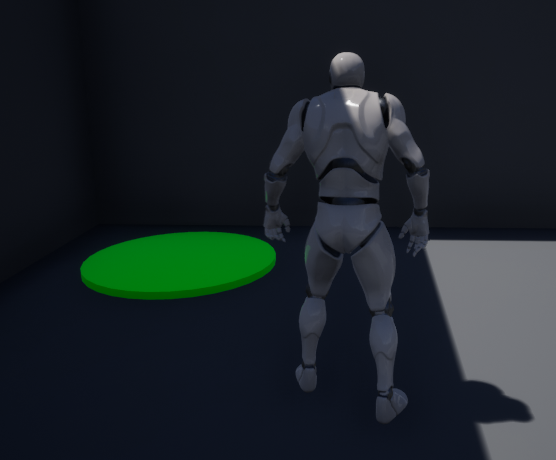
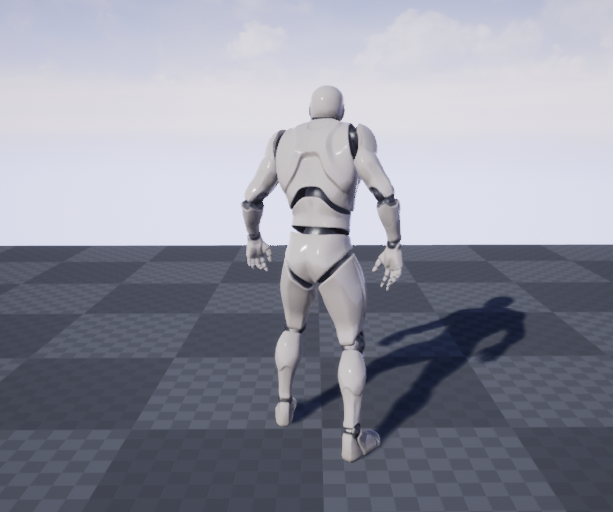
While there is currently nothing in level 2, this idea was used just to manage load in other levels of the game. I will need to further explore loading between one level to a previous one just to check that nothing gets reset during gameplay.
Overall, the ideas that I had generated for this week turned out very well and have given me a number of different mechanics I could use when developing my project in the future. One area I would like to explore is making use of the landscape feature that Unreal Engine 4 has as I had previously created many different landscapes within Unity in the past and I would want to experiment with landscape within Unreal.